
Description
-
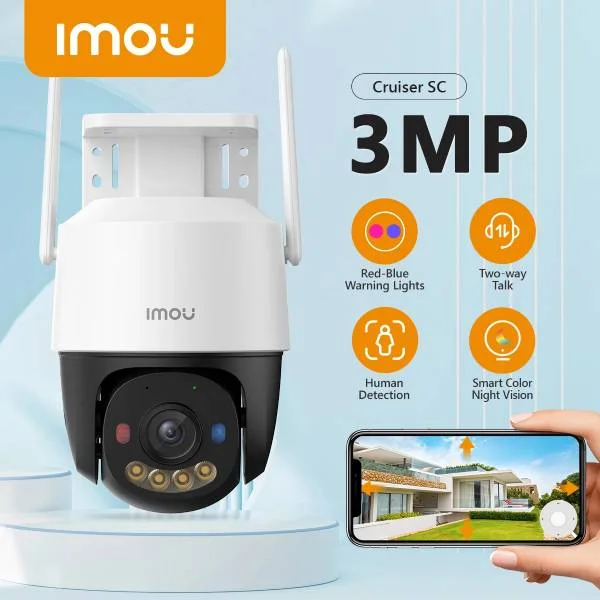
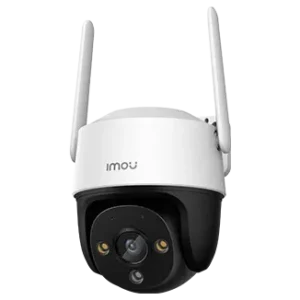
Cruiser SC 3MP
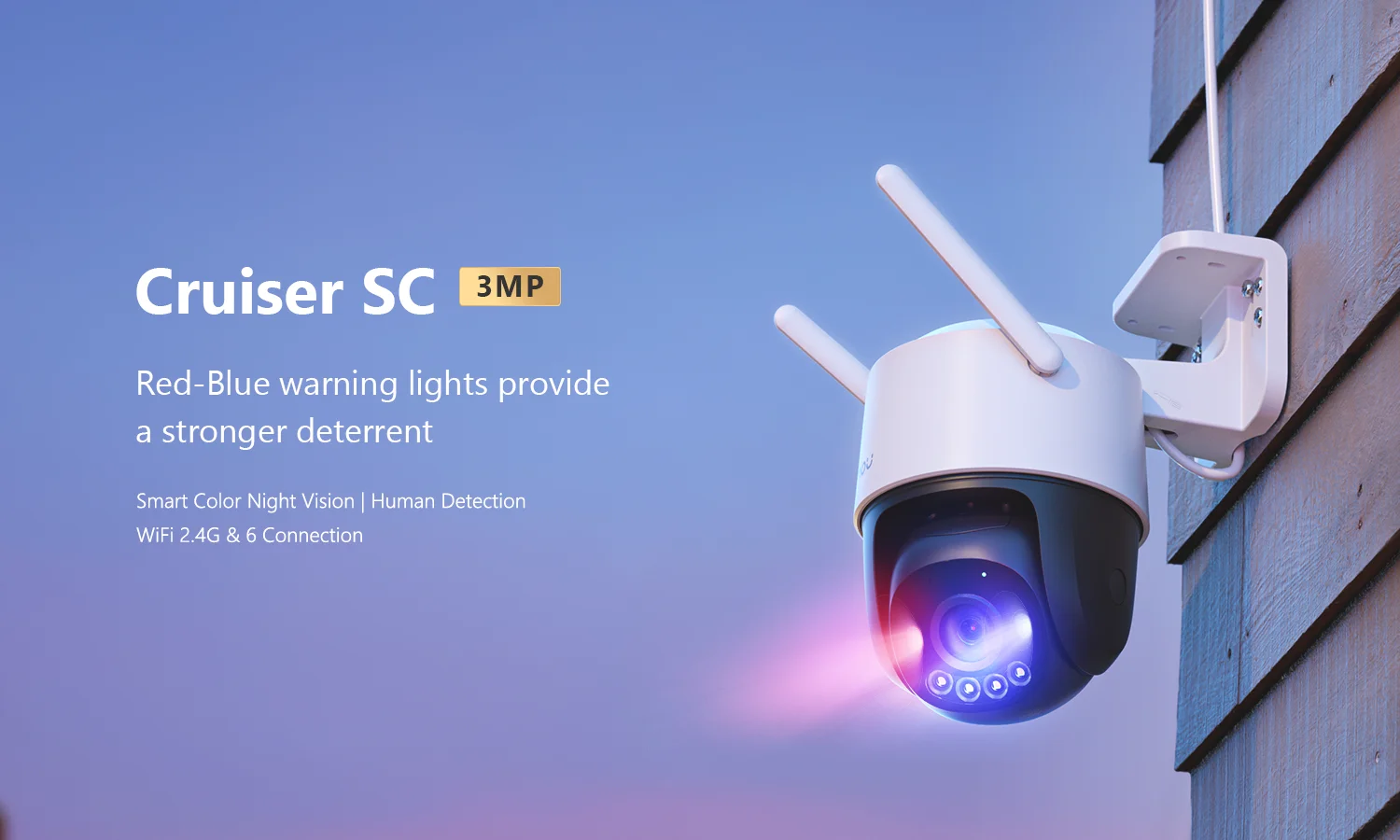
Red-Blue warning lights provide a stronger deterrent
Smart Color Night Vision | Human Detection | Supports Wi-Fi 6 Connection
 3MP H.265 Video | Red-Blue Warning Lights | Privacy Mode | Human Detection
Two-way Talk | Smart Color Night Vision | Smart Tracking | Alarm Notification
Supports Wi-Fi 6 Connection | Active Deterrence | Weatherproof | Diversified Storage
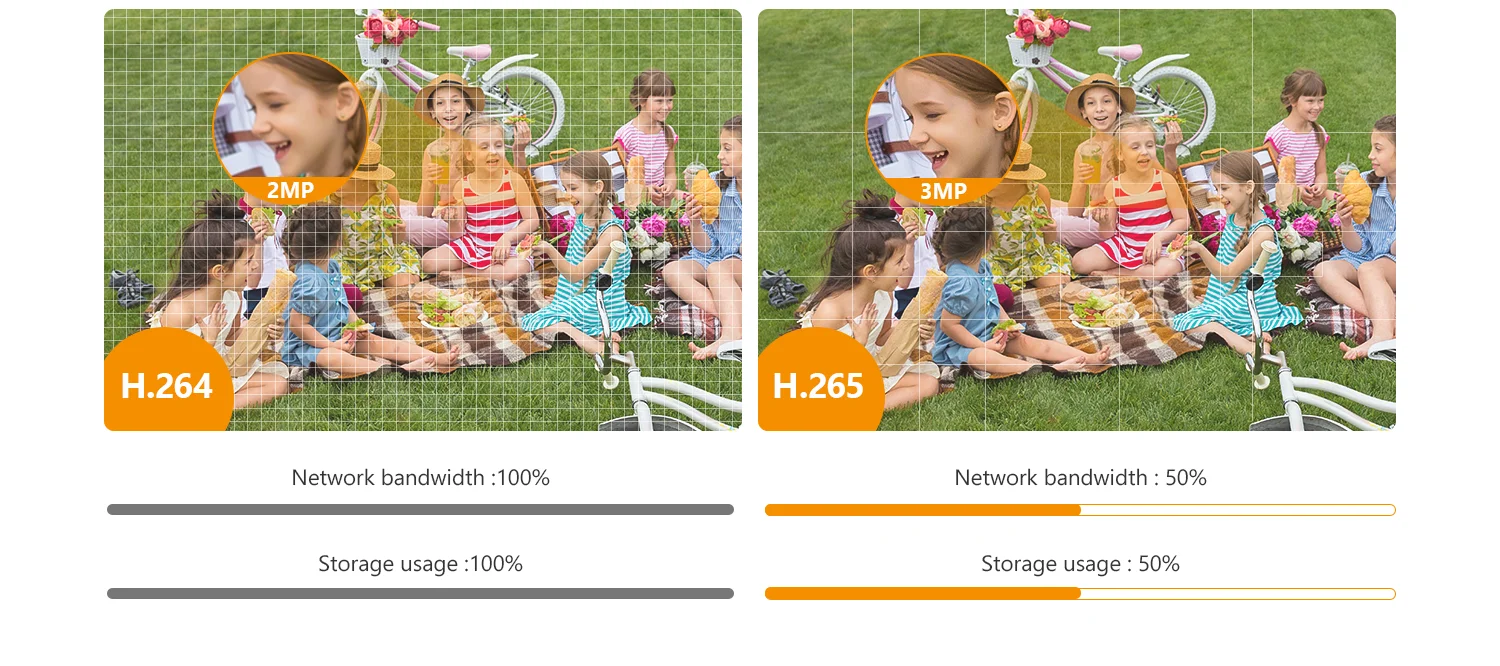
Up to 3MP Image & H.265 Compression(H.264 compatible)
High quality sensors present crystal clear videos and recordings.
Red-Blue Warning LightWhen the camera detects intrusion, with built-in spotlight and Red-Blue warning light turns on and siren starts to alert.
*Bicrystal lamps support both infrared light and white light emitting modes
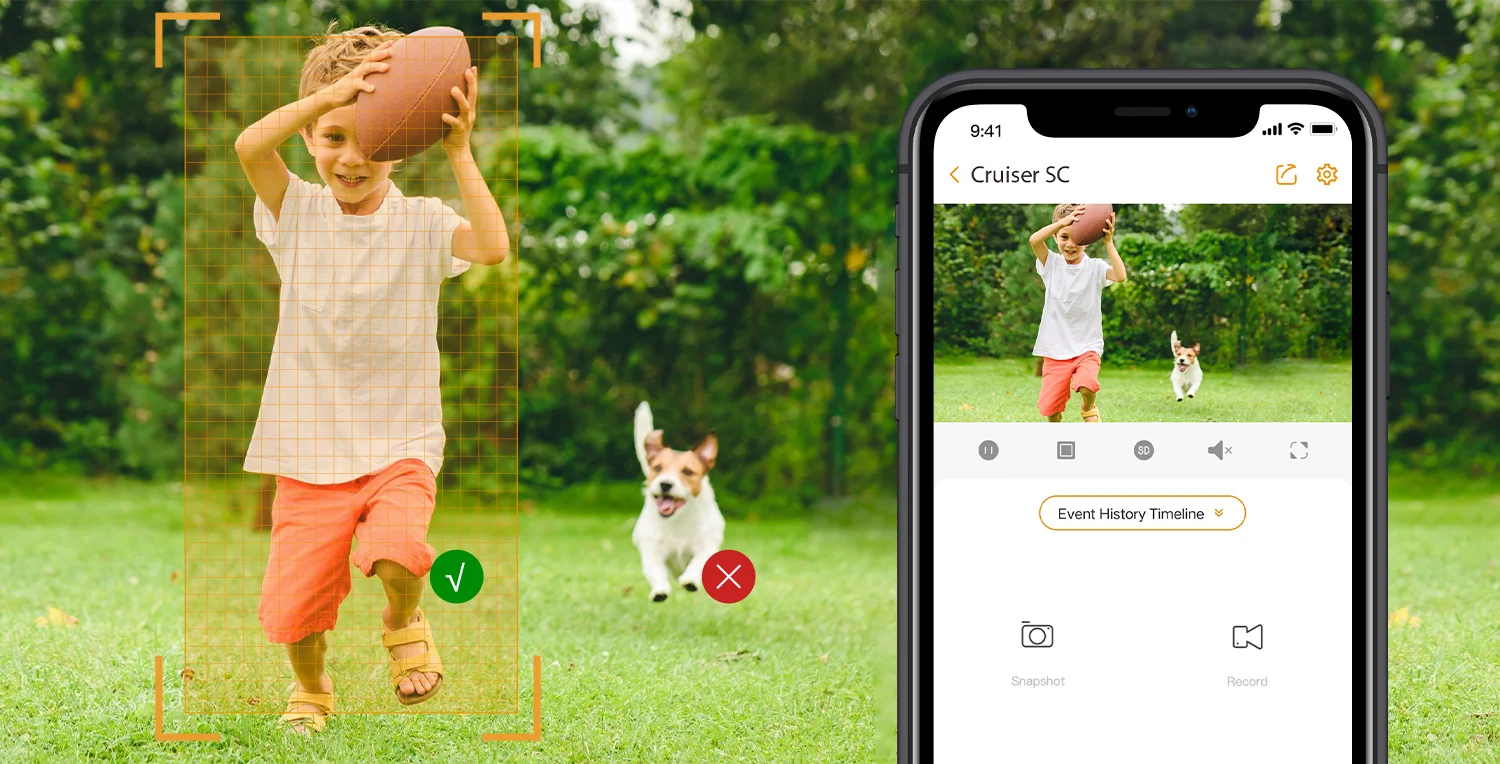
AI Human DetectionBased on powerful AI algorithm, the camera can quickly finds human targets in images and immediately sends a notification to your smartphone, allowing you to monitor what matters without receiving annoying false alerts.
0 ~355° Pan& 0 ~ 90° TiltThe user can rotate the lens to view every corner of your home. The full range ensures no blind spots.
Smart Color Night VisionThe both lenses support Four Smart Night Vision Modes, which provides clear full-color or black-and-white pictures even in complete darkness.
♦ Infrared Mode (Default Setting) | ♦ Color Mode
♦ Smart Mode | ♦ Off Mode
Privacy ModeOne click on Imou app to hide the camera PT lens, and to stop collecting any video and sound from the same time, which protects your personal privacy when you are home.
Full-duplex Two-way TalkBuilt-in speaker and microphone allow you to interact with pets and family or dissuade unwelcome guests.
WeatherproofThe waterproof construction of the Cruiser SC can be adapted to any outdoor scenario.
Protect your home like you are there▶ Record and capture
Record videos and capture photos to review, save and share the moments you missed at any time.
▶ Smooth livestream
Dual antennas provide stronger network signals, with operating range of up to 330ft(in open area).
▶ Real-time notifications
Receive real-time photo notifications on your phone and tablet to stay in-the-know when anything happens at home.
Work with Smart Home PlatformImou life/Alexa
Diversified storage▶ SD Card
▶ NVR: Record for much longer time or operate multiple cameras
* Note: Works with all NVRs that support Onvif protocol.
▶ Cloud: 30-day free trial for every new User.
Operating with Imou Life App▶ Step 1
Scan the following QR code or search “Imou Life” in Google Play or App Store to download and install the app.
▶ Step 2
Run Imou Life App, and then register an account for the first use.
▶ Step 3
Connect the camera to power source with the power adapter.
▶ Step 4
Wait for booting to be finished, and then the camera indicator flashes with green light.
▶ Step 5
Do the following operations to finish adding camera.
*Note:
If you have more than one camera, do step 5 to add them one by one.
If the Wi-Fi network has changed or the indicator status goes wrong, reset the camera, and then do step 5 to add it again.
Product AppearanceDimensions (mm)126 × 159× 196 mm (4.96× 6.26× 7.72 inch)
What’s in the box?– 1x Camera
– 1x Installation Position Map
– 1x Power Adapter
– 1x Screw package
– 1x Waterproof Connector
– 1x Quick Start Guide
 3MP H.265 Video | Red-Blue Warning Lights | Privacy Mode | Human Detection
 Red-Blue Warning Light
 AI Human Detection
 0 ~355° Pan& 0 ~ 90° Tilt
 Smart Color Night Vision
 Privacy Mode
 Full-duplex Two-way Talk
 Weatherproof
 Protect your home like you are there
 Work with Smart Home Platform
 Diversified storage
 Operating with Imou Life App
 Product Appearance
 Dimensions (mm)
 What’s in the box?
Reviews
There are no reviews yet.